Prepare readable documents for consular uploads
Zack, from European Roots Consulting.
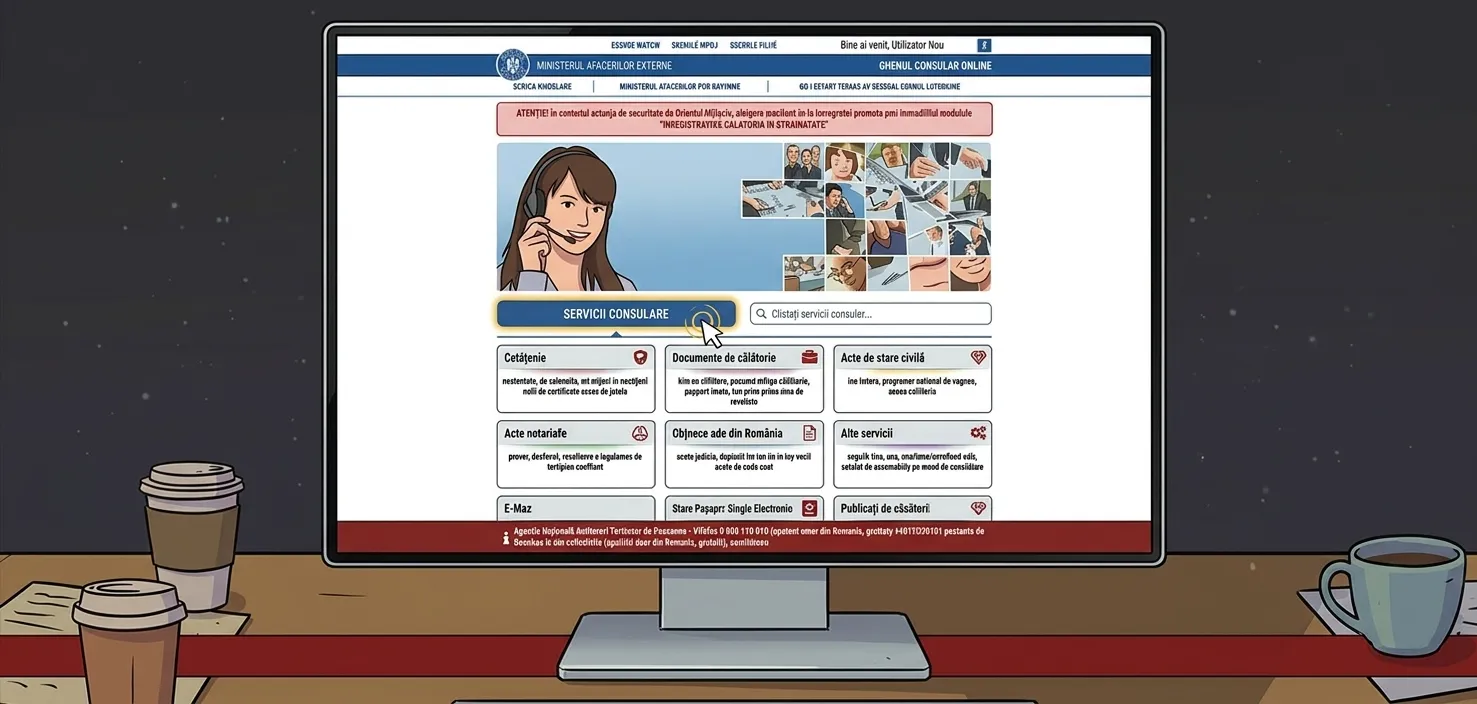
A technically uploadable file is not necessarily an acceptable official record. Start with the receiving office's document instructions, then prepare a readable upload copy.
eConsulat’s 10 MB total upload limit
eConsulat’s upload instructions set a maximum combined size of 10 MB for the uploaded documents, not 10 MB per file. Prepare readable copies that fit within that total. Preserve your original records, and follow the file-format instructions displayed in the portal when you submit.
- Keep an untouched copy of each original scan.
- Check accepted file types, per-file limits and total upload limits.
- Reduce size only as much as needed.
- Reopen every file and check names, stamps, signatures and page count.
- Keep the submission receipt or a screenshot of any error.
Fit the document set without losing readability
- Add up the size of every upload before starting. The combined set needs to fit within 10 MB.
- Keep the original records unchanged. Make a separate upload copy for compression.
- Remove blank scan pages and crop empty margins without cutting seals, annotations or signatures.
- Reduce scan resolution gradually and inspect every page at readable zoom. A smaller file is not useful if a name or stamp becomes illegible.
- If readable copies still exceed the portal limit, ask the consulate how to provide the remaining documents. Do not omit required evidence without instructions.
Three tools for consular documents and communications
I created FileMending, UnsealPDF and FaxTheWeb to help with these document and communication tasks.
FileMending: fit the whole document set within 10 MB
Compressing one file at a time can leave the combined set over the portal’s limit. FileMending is designed to fit PDFs and images within one total size budget. For eConsulat, enter a 10 MB combined limit, then review the resulting file sizes and page previews before uploading the individual documents.
If a set cannot fit, FileMending reports that rather than removing required pages. Check names, small print, seals and signatures in the output. Meeting the size limit does not by itself establish that the consulate will accept the documents.
UnsealPDF: prepare an upload copy of a password-protected PDF
A password-protected PDF containing a passport scan or another sensitive record may open for you but be difficult to upload or review in a consular system. If you own the file or have permission to modify it and know the password, UnsealPDF is intended to help remove the password lock from a copy for that upload.
Keep the protected original. An unlocked copy is still sensitive, so use the intended consular channel and check how any tool handles your files before uploading. If the PDF carries a digital signature or certification, ask the issuer or receiving office whether a modified copy is acceptable.
FaxTheWeb: respond when an office requests a fax
For a consulate, civil registry or archive that asks you to fax a request or supporting document, FaxTheWeb is intended to help you send it online without finding a fax machine. This can be useful for document requests and follow-up correspondence outside Poland and Romania too, whenever the receiving office specifies fax.
Confirm the official fax number, international dialing details and accepted documents first. Keep the transmission confirmation and any case reference. A successful transmission does not by itself confirm that an application has been accepted.
Build your Polish and Romanian document checklist.
Turn your family history into a document plan.
A 45-minute Roadmap Call is $299 USD. Receive a written roadmap within 48 hours, with next steps, document sources, cost estimates and questions that need legal review.
Book a Roadmap Call · $299